

DISPATCH SERVICE / CARRIERS DISPATCH APP
 This service is for dispatching trucks or clients. As the dispatcher, you are responsible for submitting all completed loads by updating the truck’s new odometer reading at each delivery location and repeating this process after every completed load. If you grant clients access to the Carriers Dispatch app, they can monitor their PES performance while operating under your dispatching service. For PES accuracy, the client must update the app’s starting odometer to match the truck’s actual odometer. Clients also have access to the in-app Load Analyzer to evaluate loads and daily operations.
This service selection does not require Enrollment Training Fee. After completing the account setup, your truck or client will receive 30 days of access to the app and Dispatch load submission services before a service activation payment is required. This account can be found under the Clients - 30 Day Trial tab.
LOAD SUBMISSIONS IS HOW YOU GENERATED EACH CLIENT OR TRUCK'S - UNIQUE PES PERFORMANCE STATUS.
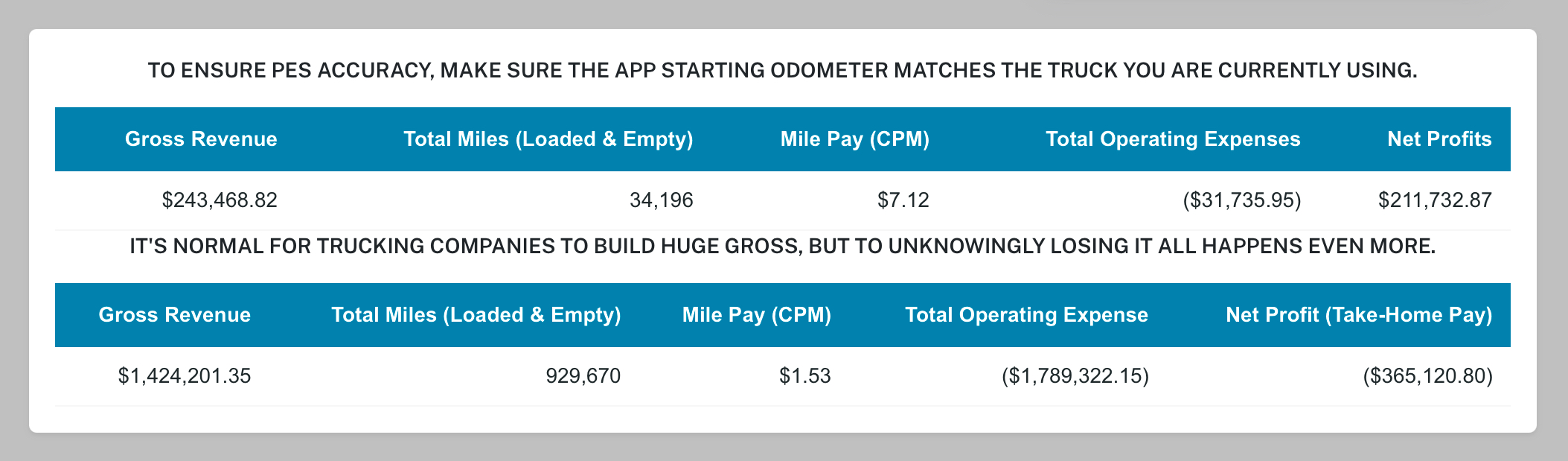
- To personalize the app and get accurate PES results, the ** App Starting Odometer** must match the truck's odometer being used
HOW TO UPDATE THE APP STARTING ODOMETER 
Follow the steps below to use it effectively.
- Tap the Profile Icon (3rd button at the bottom).
- Check the box labeled Set/Update - Truck Starting Odometer.
- Enter the new odometer reading in UPDATE - Truck's Starting Odometer.
- Tap the UPDATE button at the bottom of the page.
UPDATING APP ODOMETER
Settings